
If you already know who you want to designate for your organisation, it’s time to finalise your Representative Designation Authorisation Letter. Please follow the procedure below:
Step 1: Download and fill out the Designation of Representative Authorisation Letter
To prepare your Authorisation Letter, please follow these steps:
Copy or download the template text into your organisation’s official letterhead document.
Replace the placeholder fields with your details.
Have an authorised executive (e.g CEO/CTO) sign the completed letter.
If you have questions, please contact [email protected].
Step 2: Fill out and submit the online Representative Registration Form
Follow the steps below:
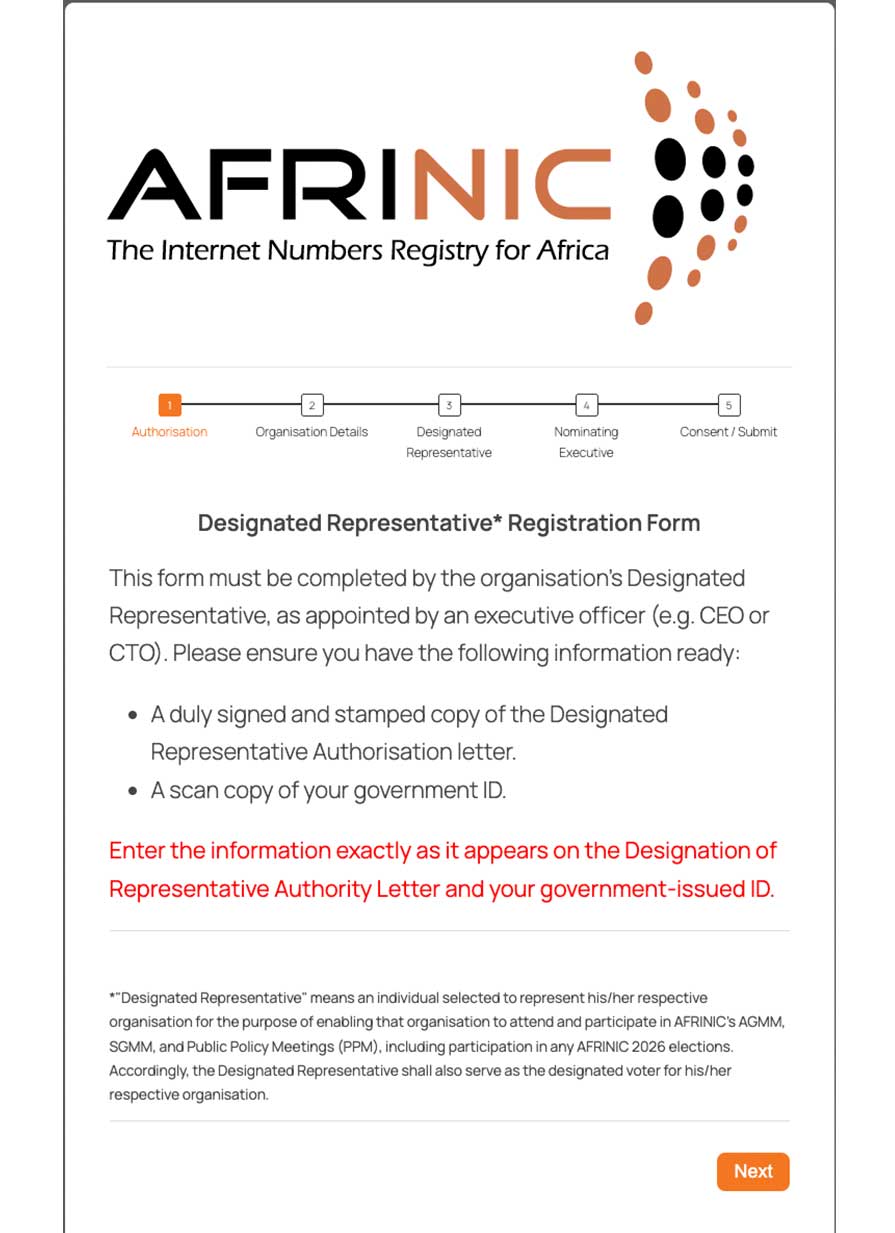
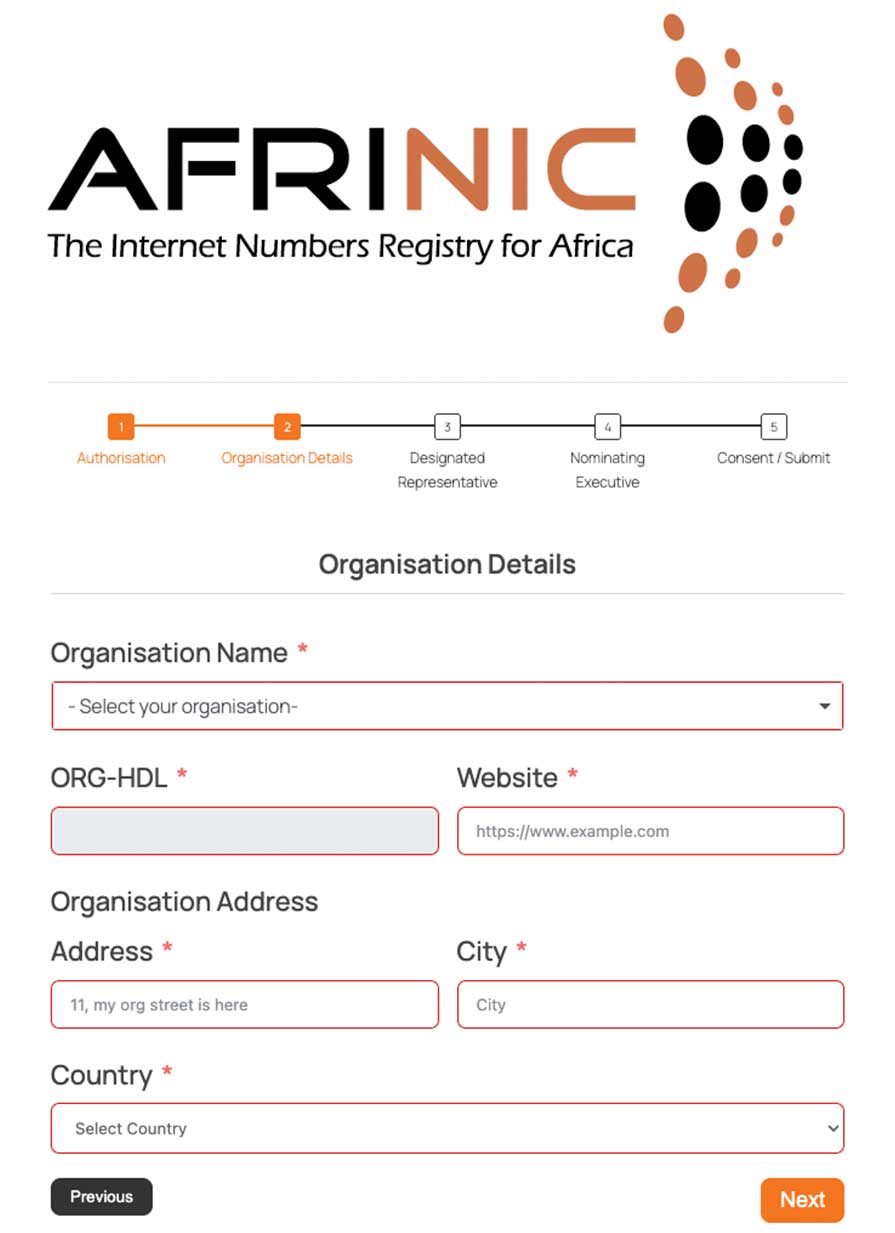
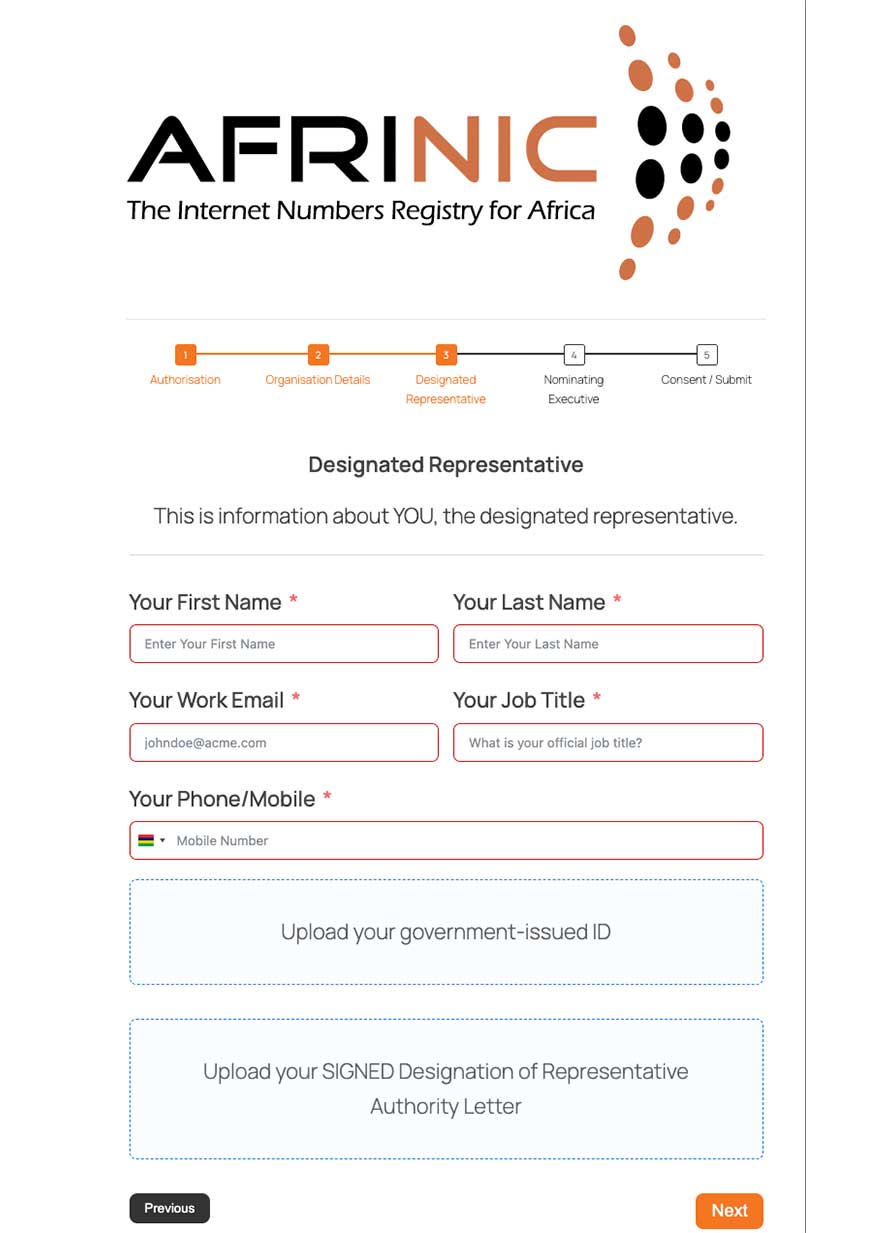
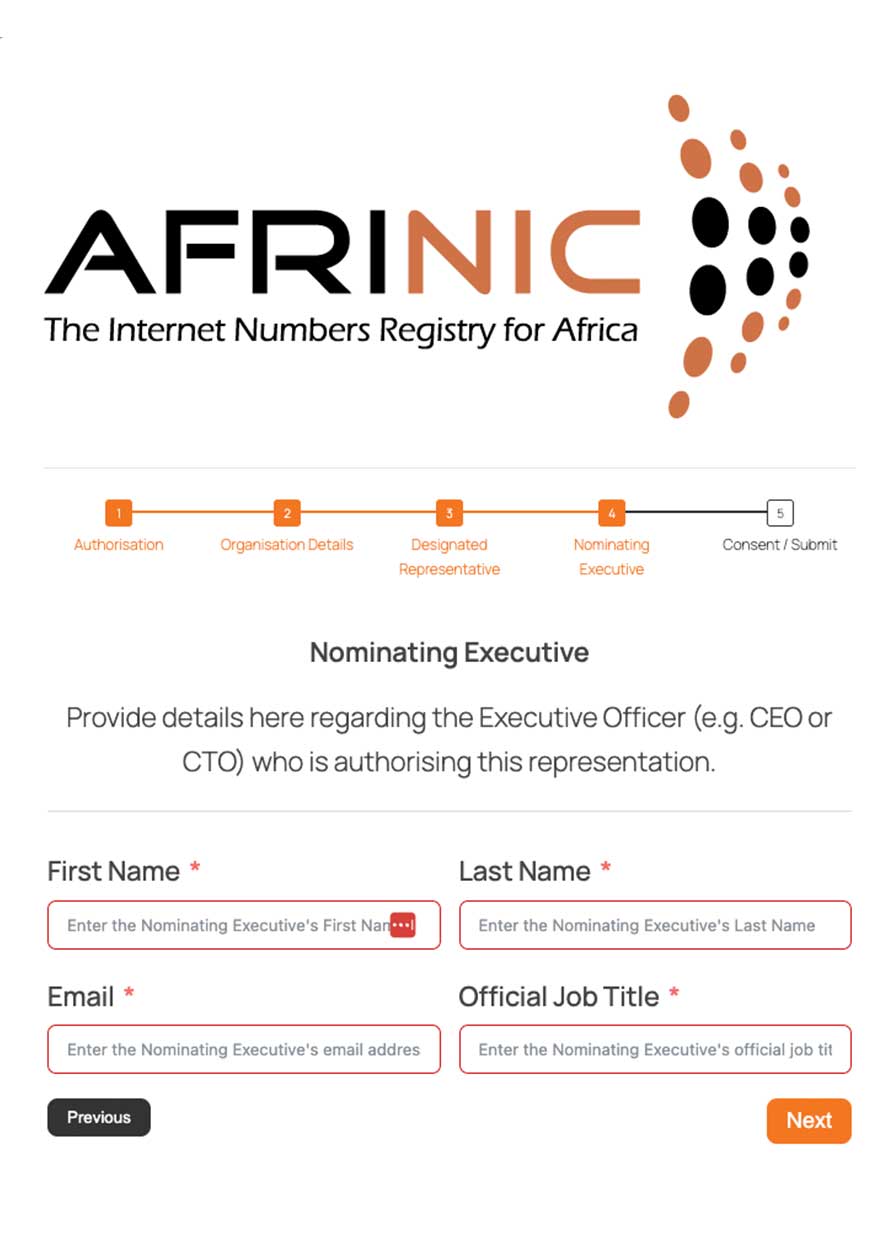
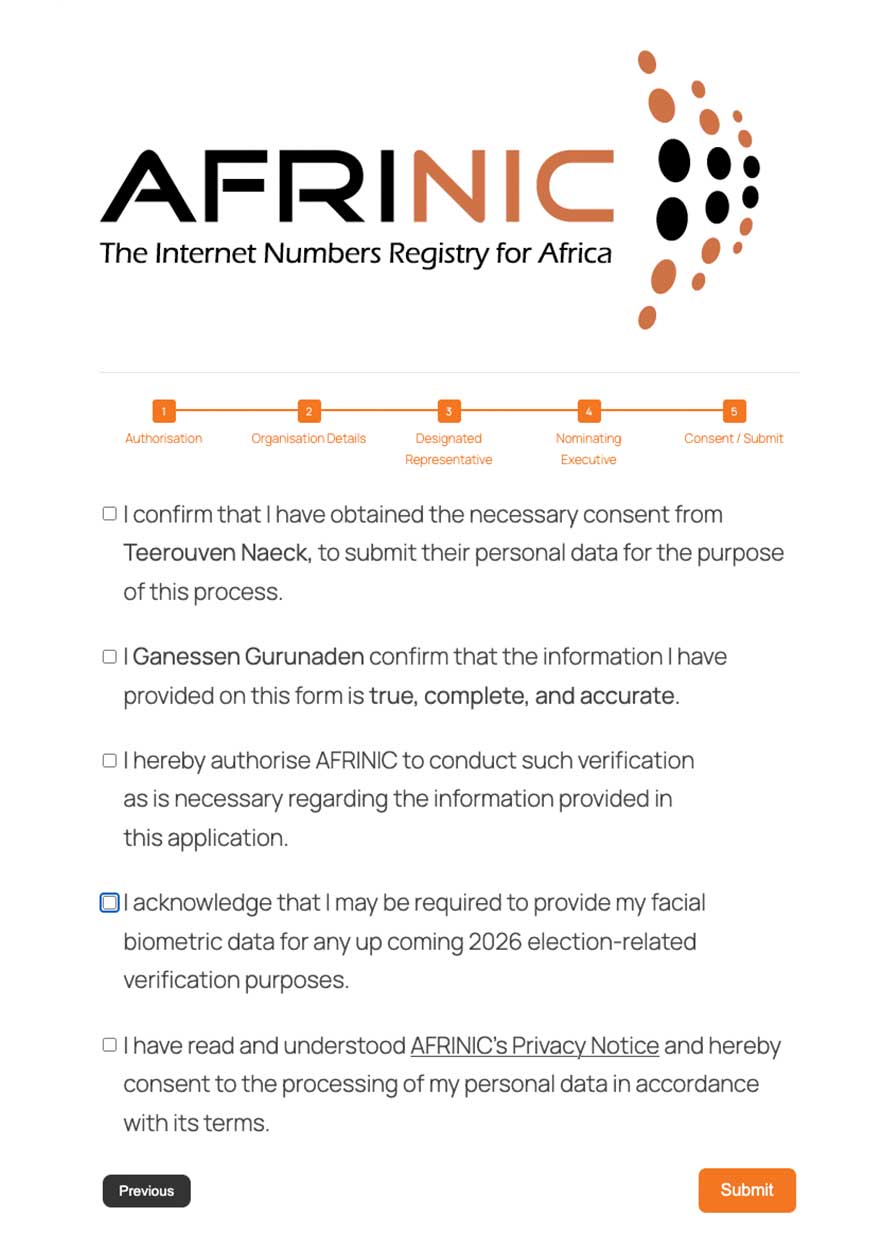
Once you submit this form, you will receive an email with a link to validate your email address . Check your mail box and click on the link. Upon confirmation, AFRINIC will receive and process your submission.
Confirmation of your Designation by the Executive
On submission of your designation, your executive and all registered contacts for your organisation will receive an email asking them to confirm.
Follow up with your executive to reply to the email and confirm he/she nominated you.
Verification
AFRINIC, upon receipt of your registration, will verify the data submitted and verify that all the documents are authentic. You will be notified of the outcome of this verification.